
Getting started with jb.support
All questions from mail and your website in one place, answered from your own address.
1. Add your mailbox
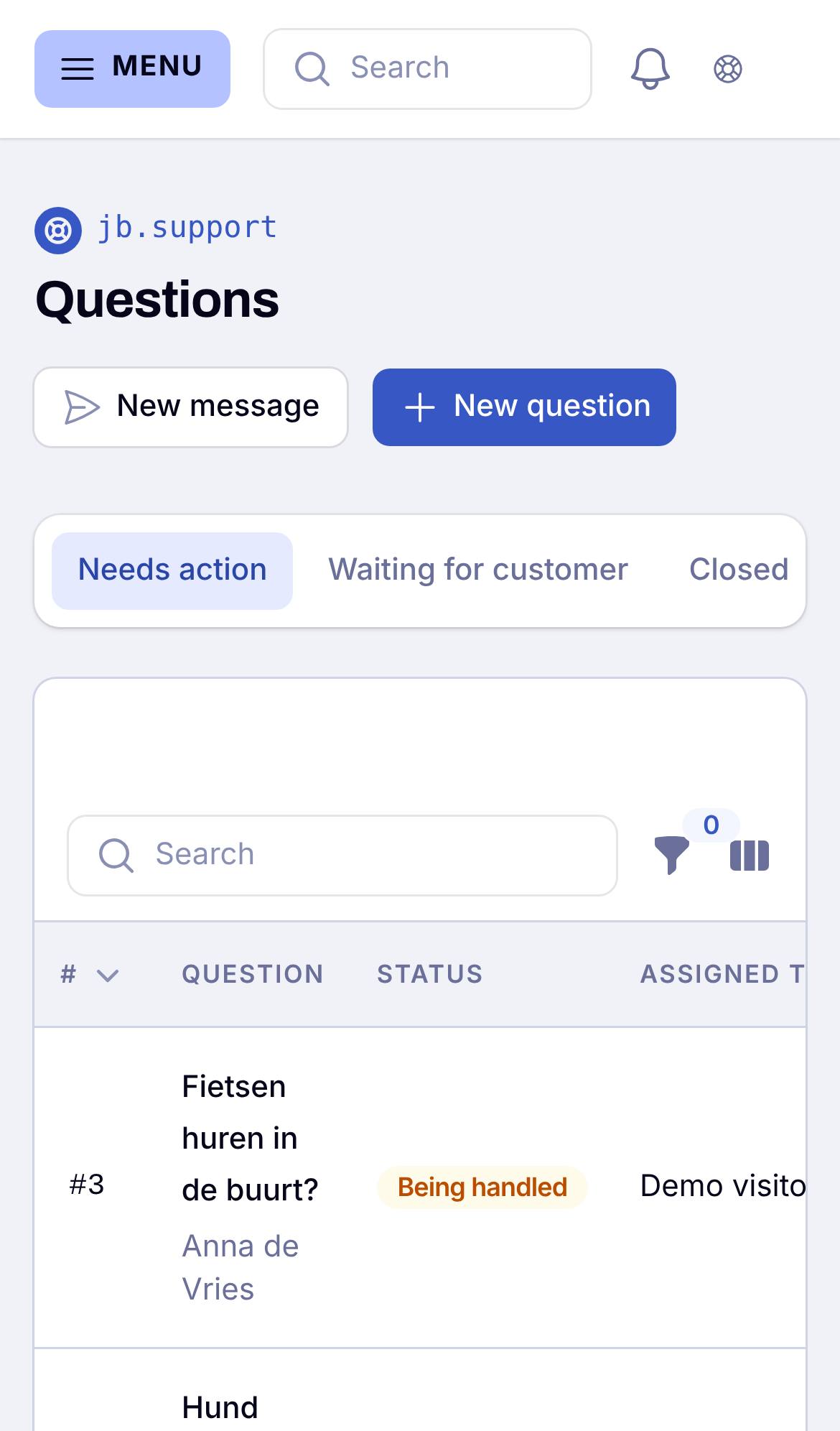
Go to Settings > Mailboxes and add the address your customers already use, such as info@. You get a receiving address from us; set your own address to forward to it. Questions then arrive in Questions.
2. Answer your first question
Open the question and write your answer. It goes out from your own address, and the reply of your customer lands in the same conversation.
Good to know
You can also put a question form on your website. A colleague can add an internal note that the customer never sees.