
Getting started with jb.crm
One card per customer with everything you did together, and nothing forgotten.
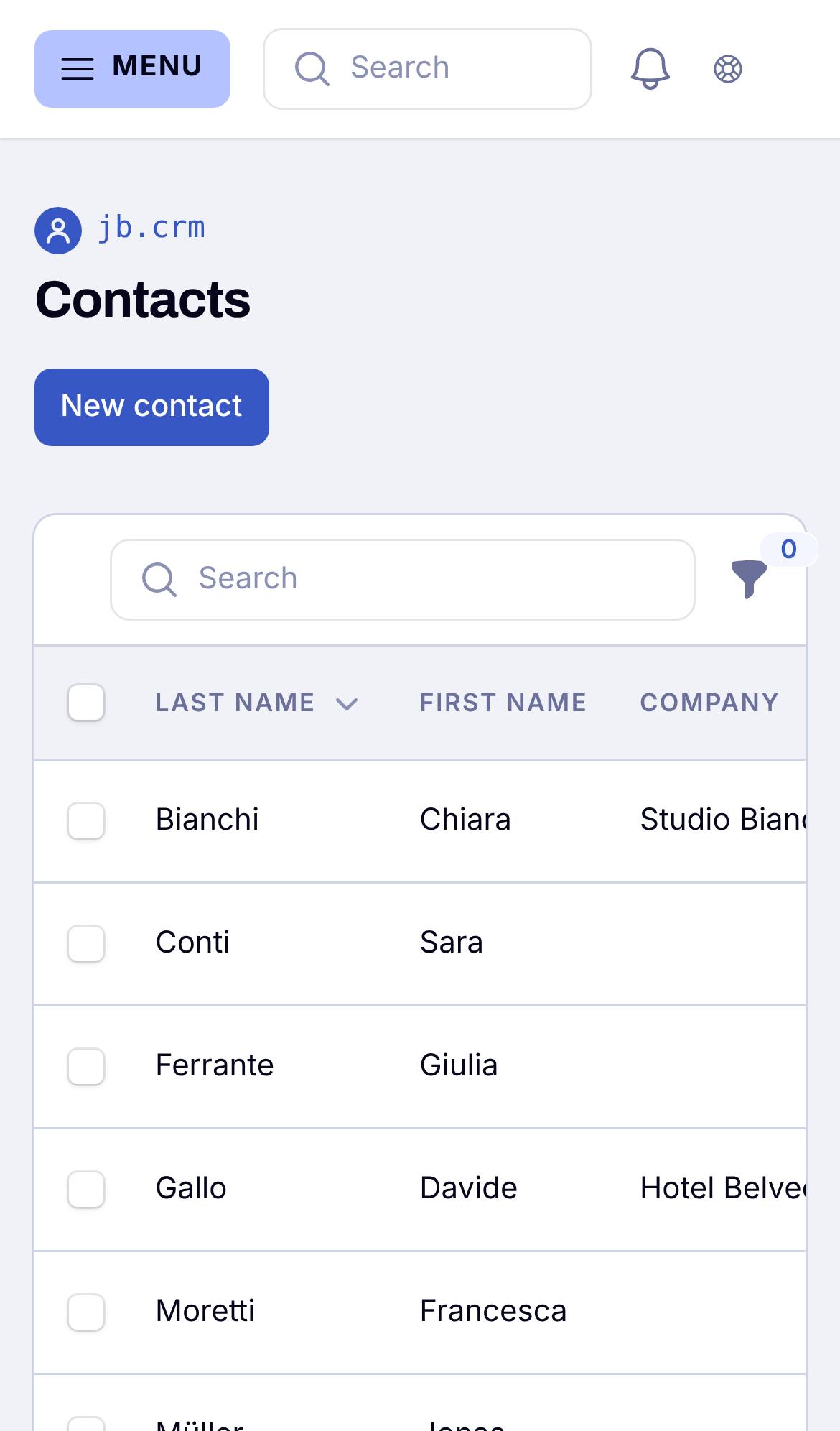
1. Add your first contact or company
Go to Contacts and tap New. A person can belong to a company. Contacts also come in by themselves, from bookings, sign-ups and questions in your other tools.
2. Plan a task or meeting
On a contact's card, add a task or meeting with a date and time. You get a reminder at that time, also on your phone. A meeting reminds you 15 minutes earlier.
3. Finish your first task
Everything that is still open is in Follow up and on My day. Tick a task off when it is done.
Good to know
The card of a contact shows a timeline of everything you did together across your tools, such as bookings, questions and invoices, but never amounts.