
Your first steps
Where to start, and where to find everything after that.
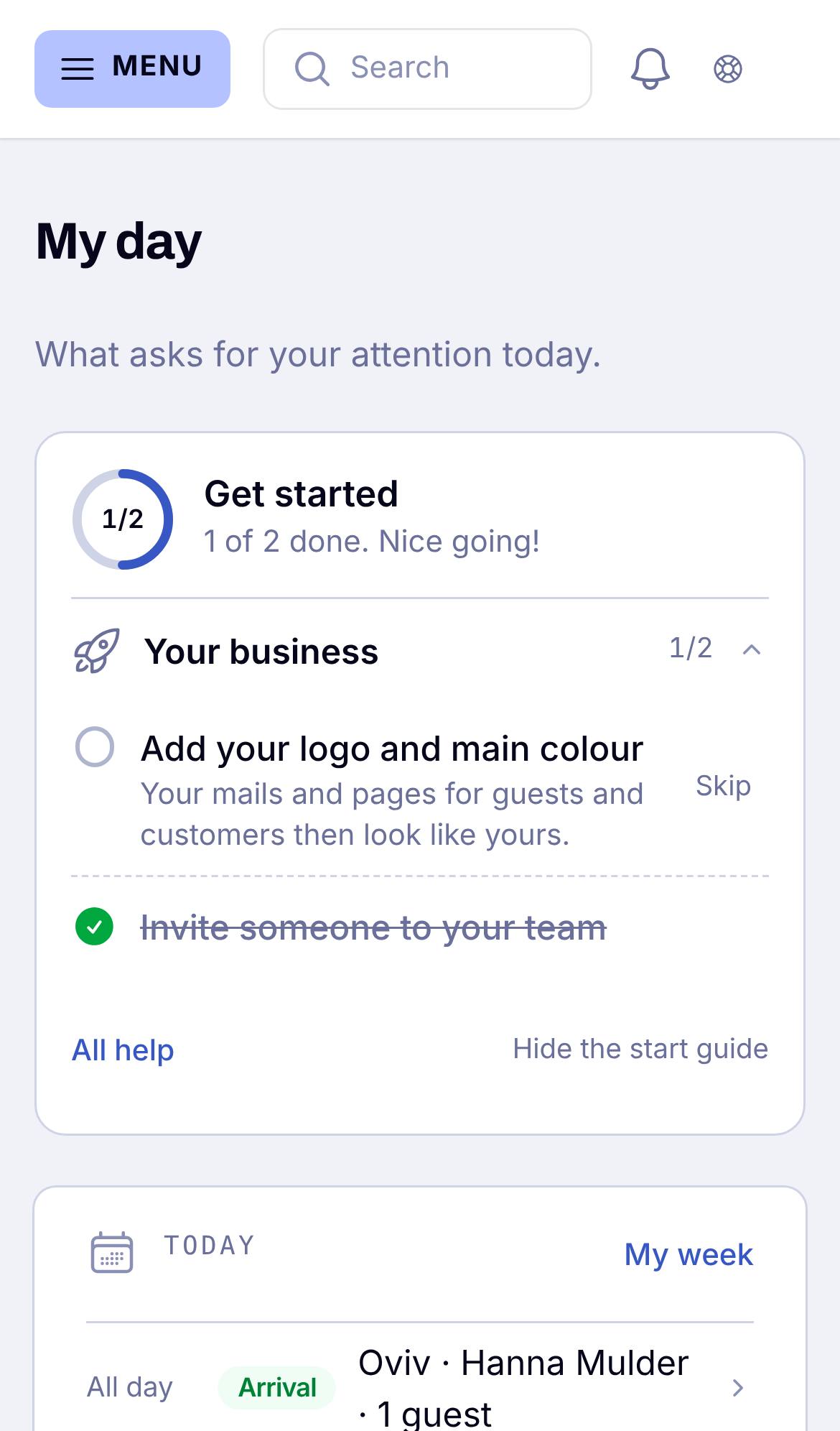
Start on My day
My day is your home page. It shows what needs you today: arrivals, appointments, questions, tasks. On a phone it is the first thing you see.
At the top you find the start guide. For every tool you use, it lists a few small steps to your first real result. Tap a step and you go straight to the right screen. A step ticks itself as soon as it is done, so you never have to tick anything yourself.
Finding your way
- On a computer the menu is on the left. On a phone you open it with the three lines at the top left.
- Under your initials (top right) you find Help, New & planned, My reports and your profile.
- Every list that is still empty tells you what belongs there, with a How it works button.
Stuck?
Tap Question or idea at the top of the screen. Your question comes straight to us, together with the page you were on, and we answer the same working day.