
Getting started with jb.reward
Set up your programme and give the first points at the till.
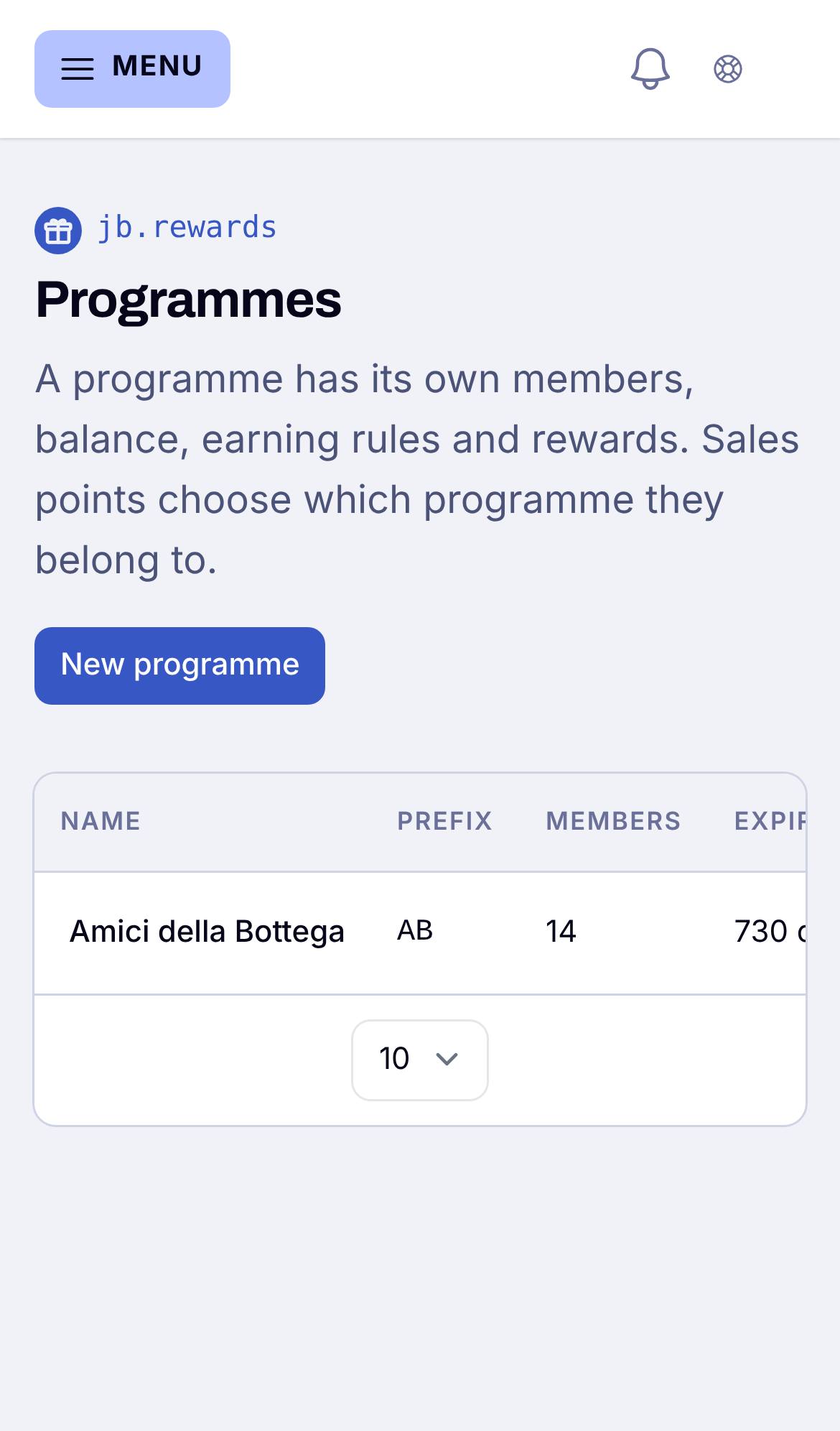
1. Set up your programme
Choose how many points a euro is worth, and at which sales points people collect them, such as your shop and your webshop.
2. Add your first reward
Something worth saving for, such as a discount or a gift. You choose how many points it costs.
3. Give the first points at the till
Open the Till on your phone or tablet. Scan the member's card or search by name, fill in the amount of the receipt, and the points are added. You can undo your own last purchase within 10 minutes.