
Getting started with jb.review
Collect reviews by themselves and show them on your website.
1. Add your Google review link
Go to Settings > Reviews and paste your Google review link. Every reviewer then also gets the button to Google, whatever score they give.
2. Show your reviews on your website
Make a widget and paste its code on your site.
3. Receive your first review
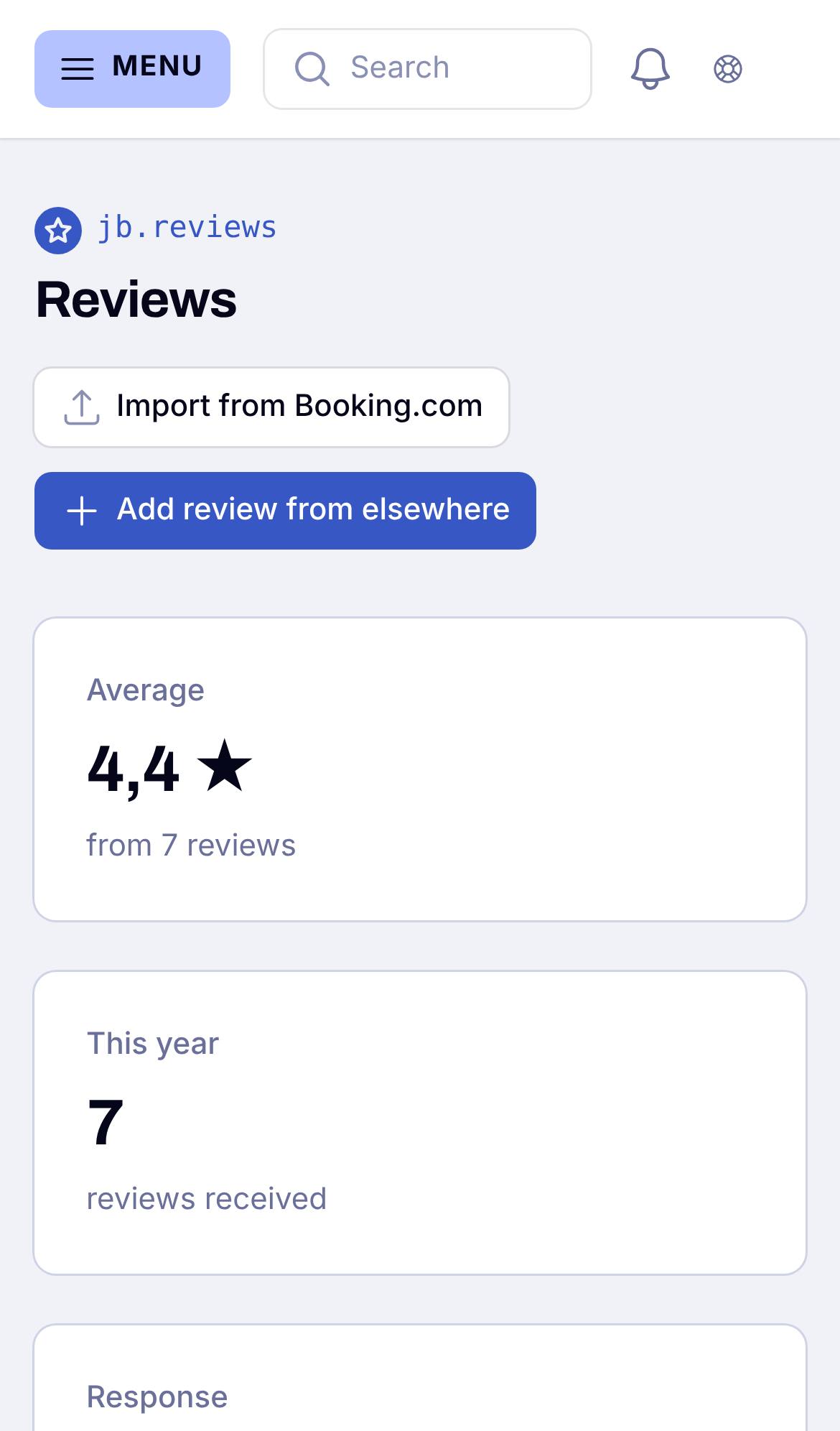
Invitations go out by themselves after a stay or an order. Reviews arrive in Reviews.