
Getting started with jb.order
Products, a sale and your first order.
1. Add your first product
With its price including VAT and a photo.
2. Open your first sale
A sale is a period in which people can order. Choose how they pay (online, cash on pickup, or both) and how they get their order (pickup, shipping or as agreed).
3. Receive your first order
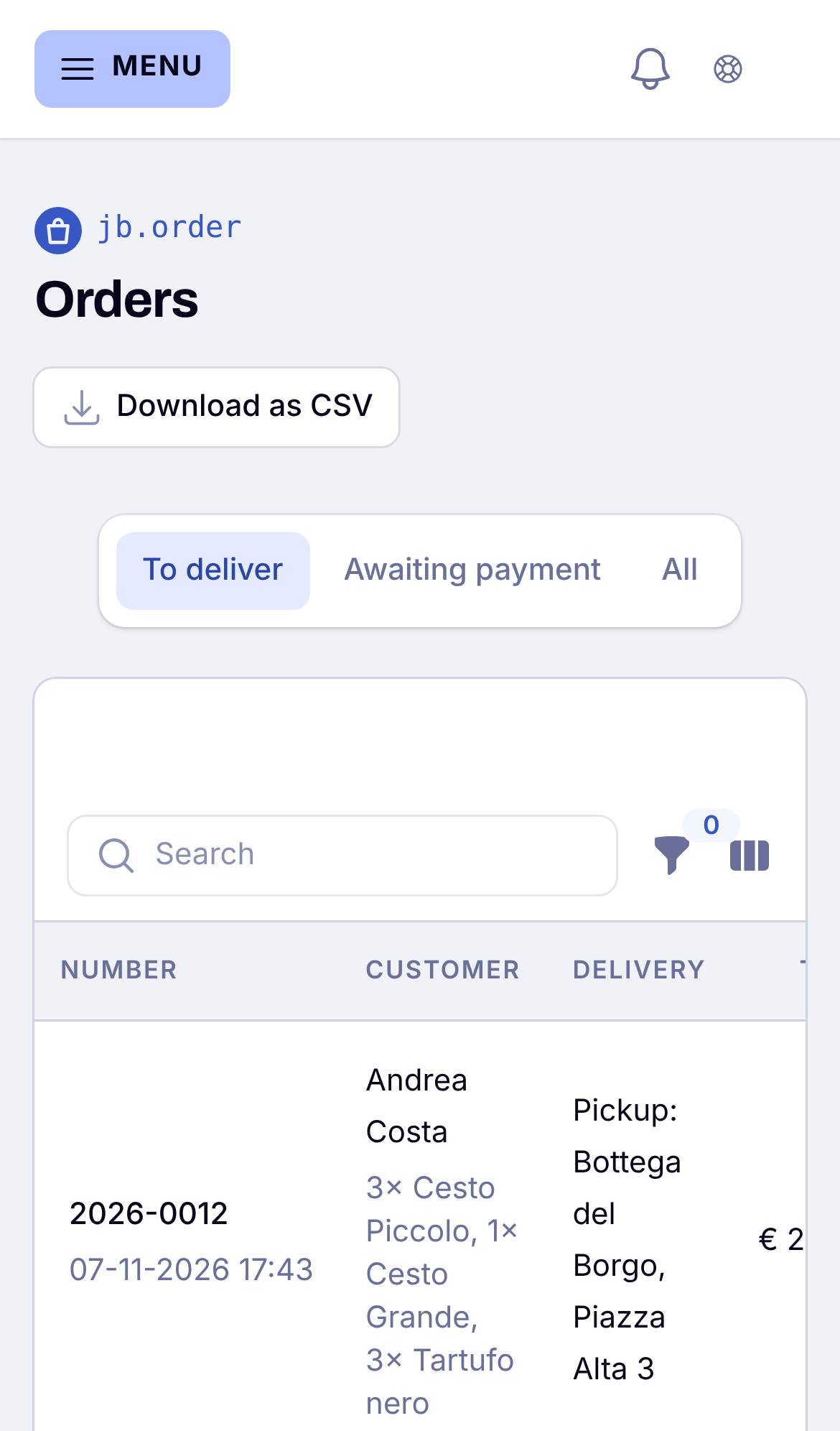
Share the link of the sale, or put it on your website. Orders come in under Orders, and the customer gets a confirmation by mail.