
Getting started with jb.news
Make a list, get subscribers and send your first newsletter.
1. Make your first list
A list is what people sign up for, such as "News from the farm". Go to Lists and tap New.
2. Get your first subscriber
Put the sign-up form on your website. Every sign-up is confirmed by mail (double opt-in), so you only mail people who really want it. Guests who book can tick "Keep me informed" in the booking form.
3. Send your first newsletter
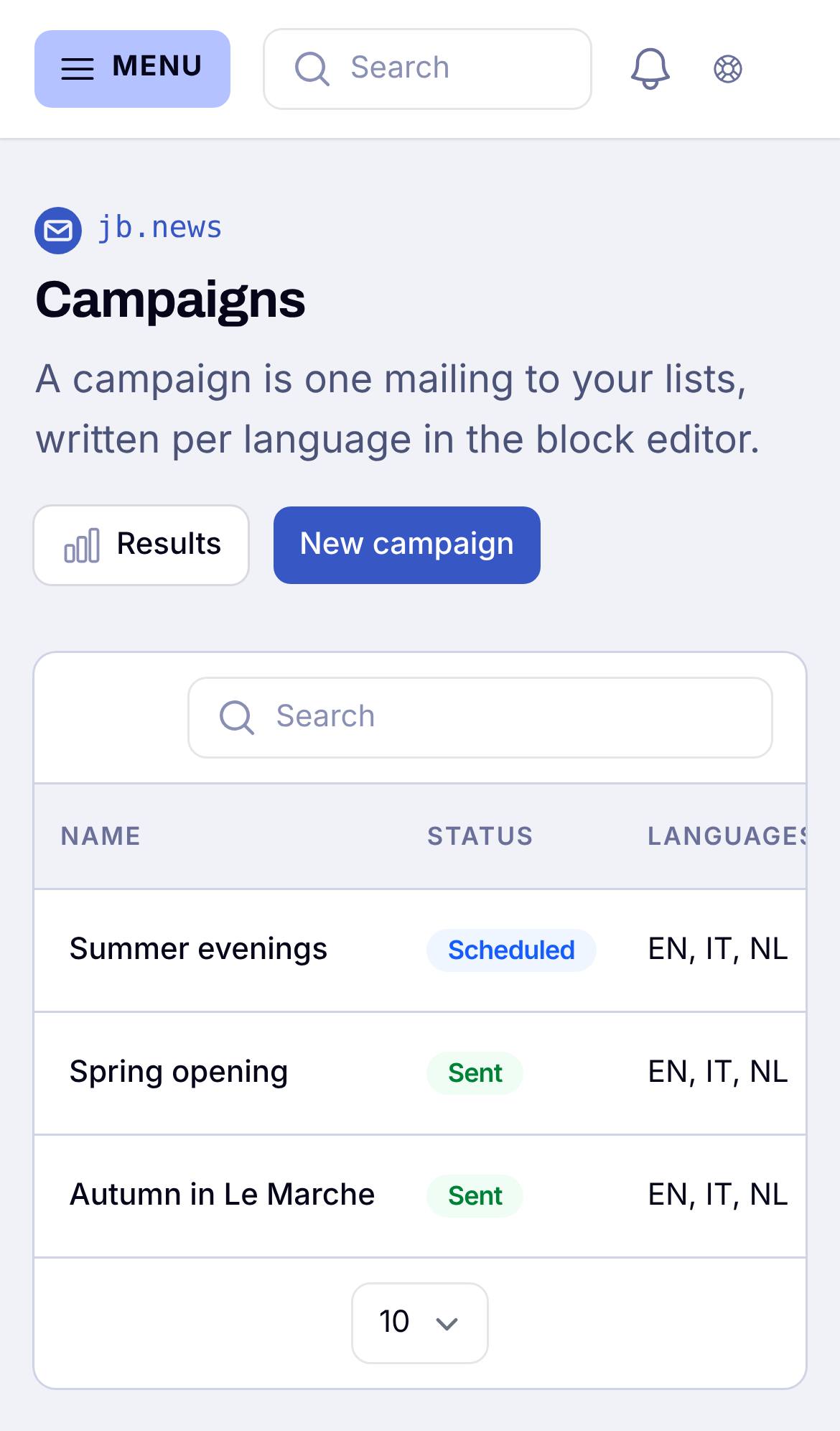
Go to Campaigns, start from a template and write your message. Send yourself a test first and look at it on your phone. Then send it now or plan it.
Good to know
Unsubscribing is always one click, and someone who unsubscribes is never mailed again. The results of each newsletter (opened, clicked) are on the campaign page.