
Getting started with jb.invoice
Your invoice details, your products and your first quote or invoice.
1. Fill in your invoice details
Go to Settings > Invoicing and fill in your name, address and VAT number as they go on every invoice.
2. Add a product or service
Add what you sell once, with its price and VAT. Then a line on a quote or invoice is one tap.
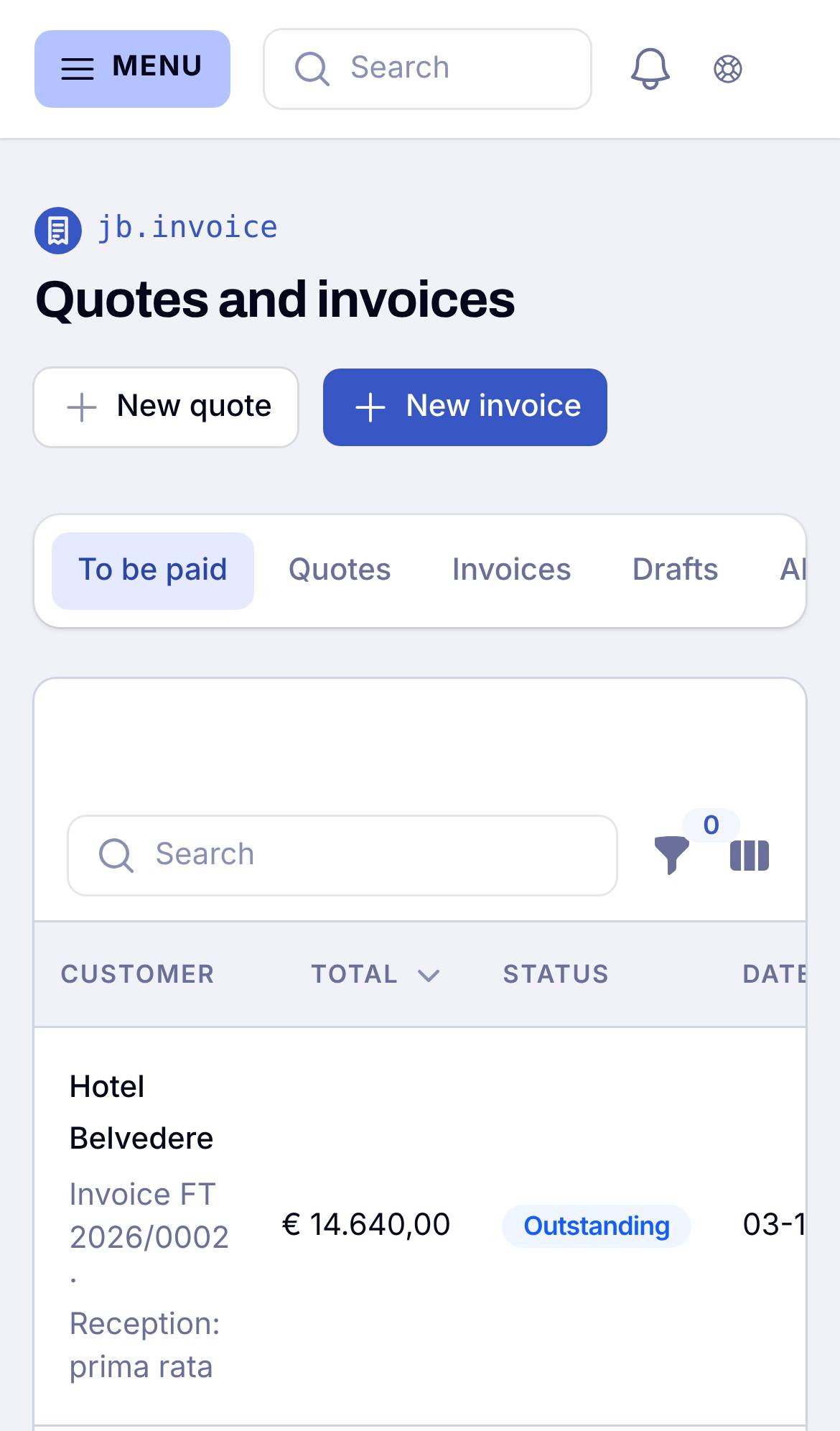
3. Send your first quote or invoice
Make a quote or invoice and send it. Your customer opens it from the link in the mail, accepts the quote or pays online.
Good to know
An invoice that is sent never changes. To correct it, you make a credit note. Numbers follow each other without gaps.