
Getting started with jb.booking
From your first accommodation to your first booking through your own website.
1. Add your accommodations
Add each apartment or room you rent out, with how many guests fit. If you have several of the same, add them as units of one type.
2. Set your seasons and prices
A season is a period with its own price per night, such as high season. With Price check you see exactly what a guest pays for any dates, including discounts and tourist tax.
3. Connect online payments
Go to Settings > Payment settings and connect your own Mollie or Stripe account. Guests then pay the deposit straight away, and the money goes directly to you.
4. Link Booking.com or Airbnb
Paste the calendar link (iCal) of each channel. Their bookings then block your dates, so nobody books the same night twice.
5. Your first booking through your website
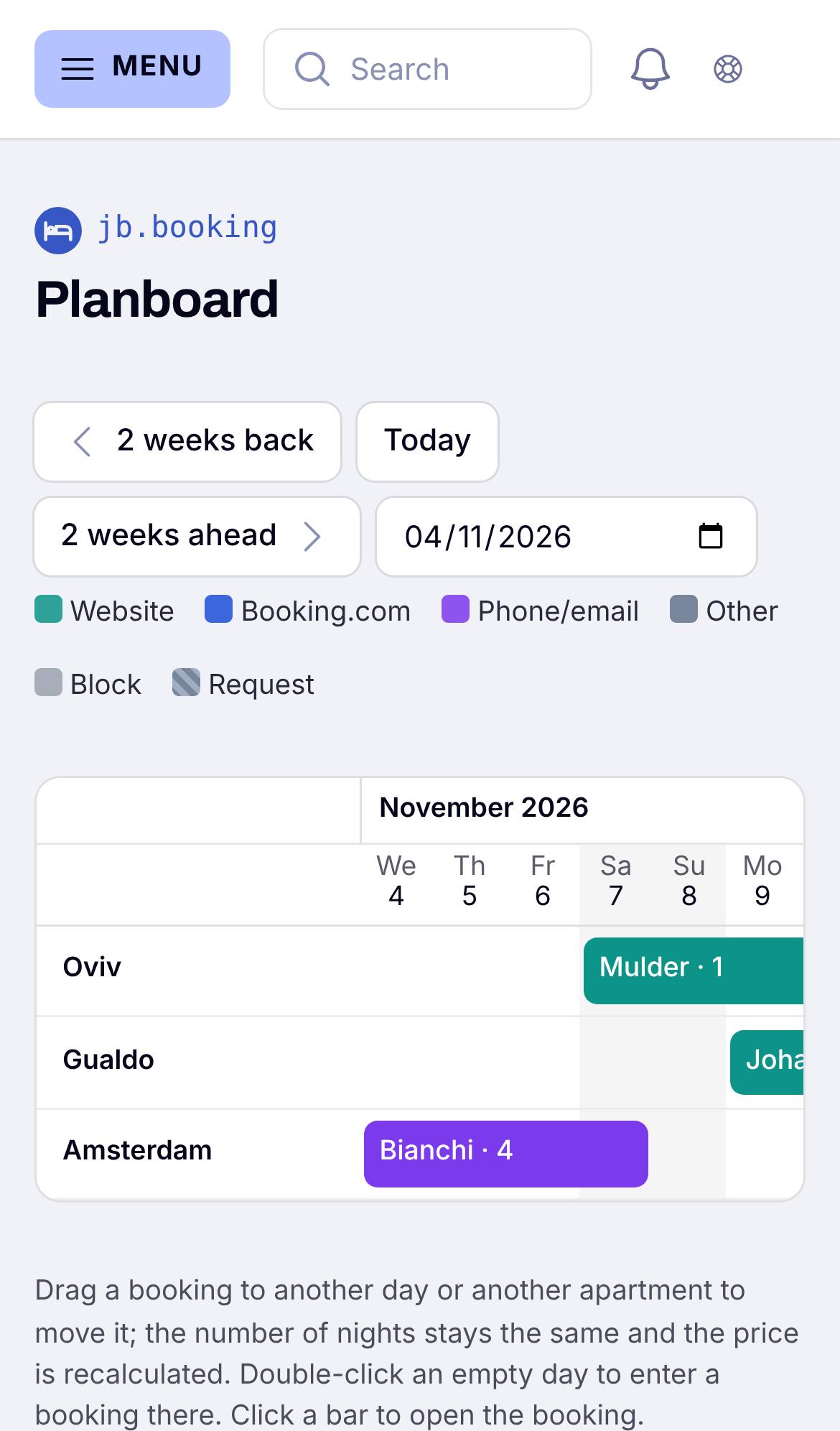
Put the booking button or the search box on your website. Every booking lands in Bookings, on the planboard and on My day.