
Getting started with jb.agenda
Treatments, opening hours and your first appointment.
1. Add your treatments
For each treatment: how long it takes, the clean-up time after it and the price.
2. Set your opening hours
Clients can only book within these hours. Days off and holidays you block in the agenda.
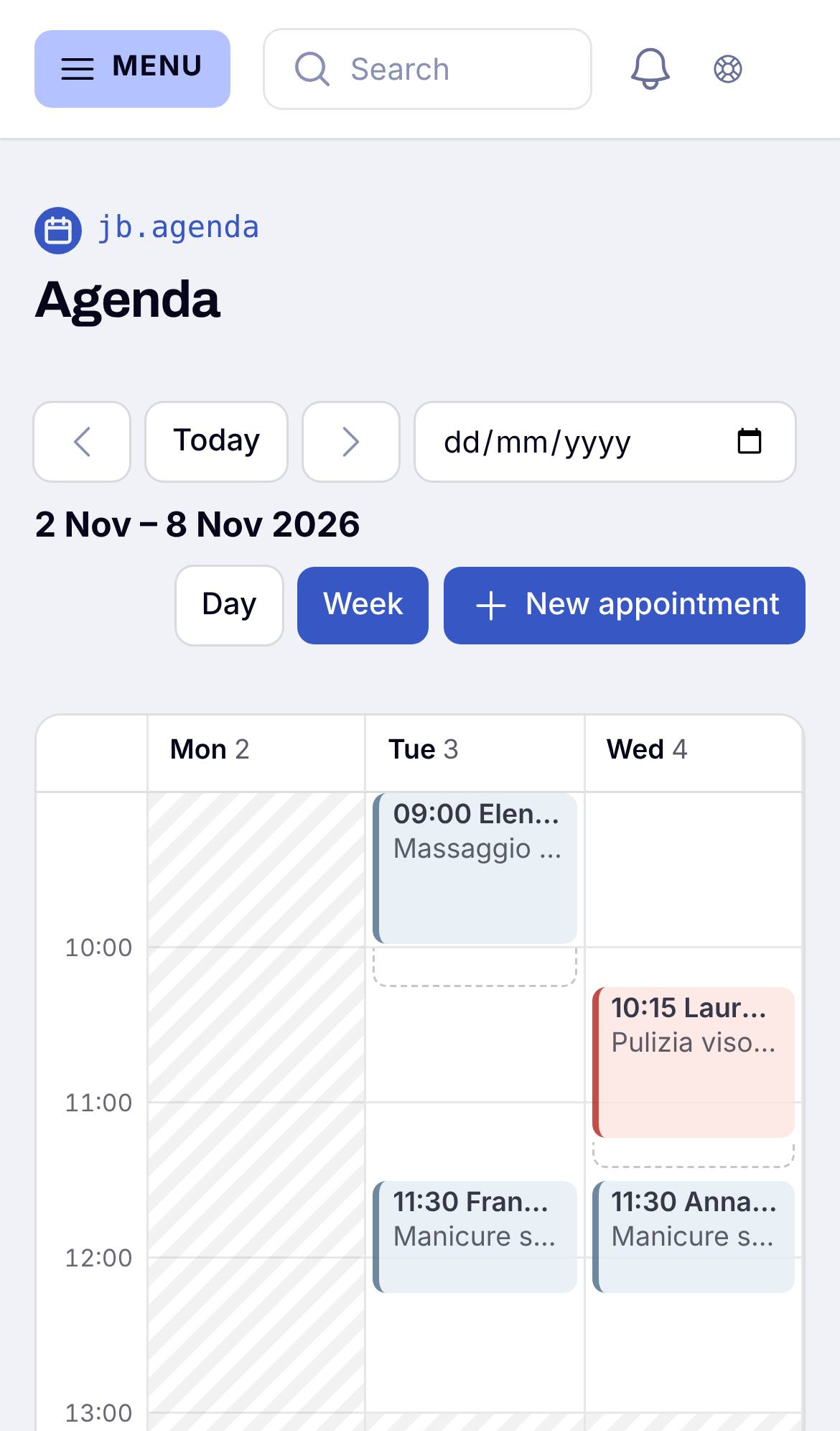
3. Book your first appointment
Book one yourself in the Agenda, or share your booking link with your clients. Nobody can ever book a time that is already taken.